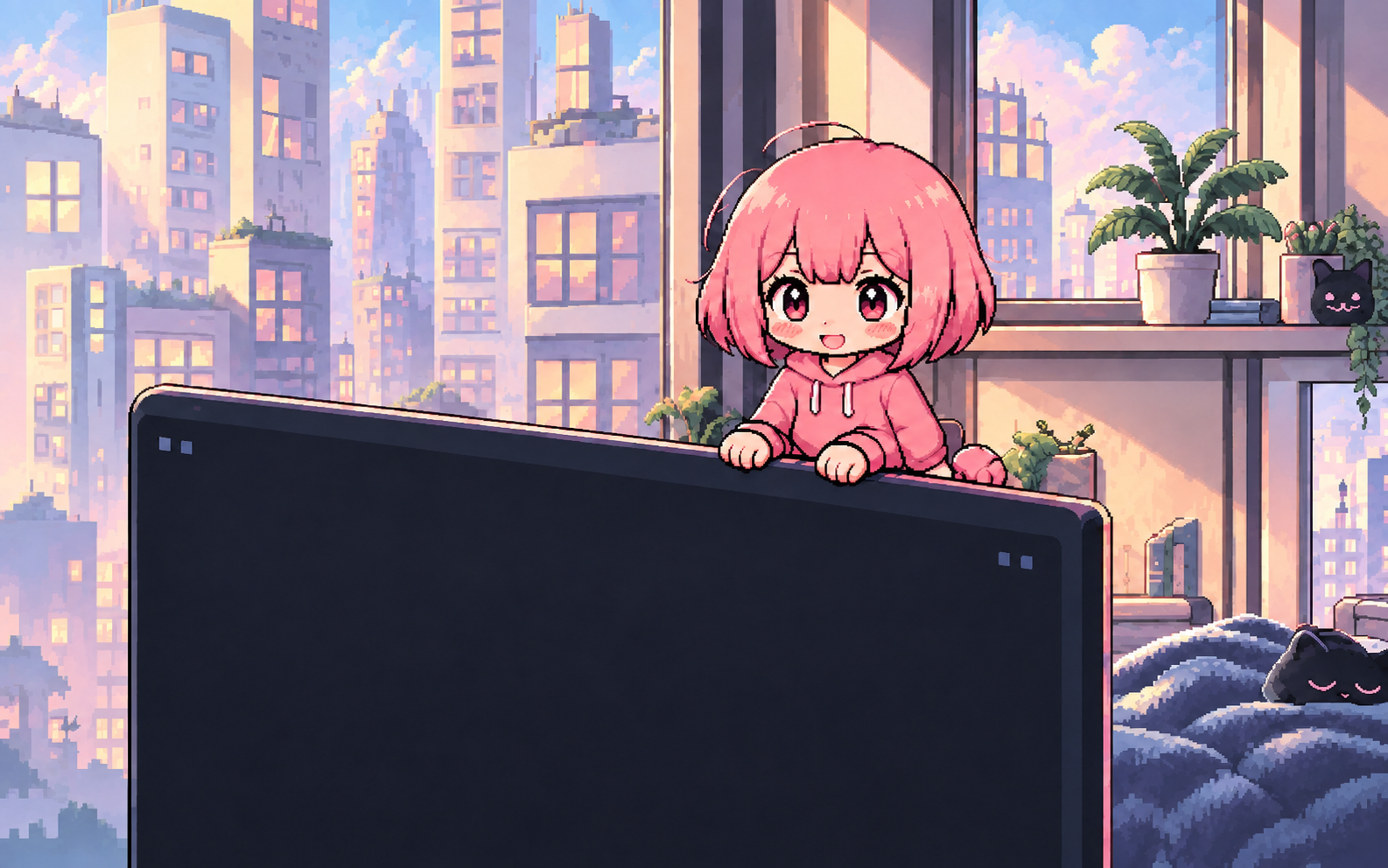

A desktop companion that responds to context, not just prompts.
MIKO started as an experiment: could a desktop companion feel present without constantly asking for attention? It watches a small set of local context signals and responds through posture, motion, and short reactions.
This is an early snapshot of the project. MIKO is still in active development while I keep refining its behaviour, interaction model, and Windows integration.
- Role
- Concept • Interaction • Engineering
- Platform
- Windows
- Runtime
- WPF + Python Sidecar
- Status
- Active Prototype
Designing the In-Between
I didn’t want MIKO to become another app I had to stop and talk to. She should be there when useful, and easy to ignore when she isn’t.
A companion should fit into your workflow, not fight for your attention.
Silence has to be one of her responses. A change in the foreground app or media state shouldn’t make her interrupt every time.
Core Design Principle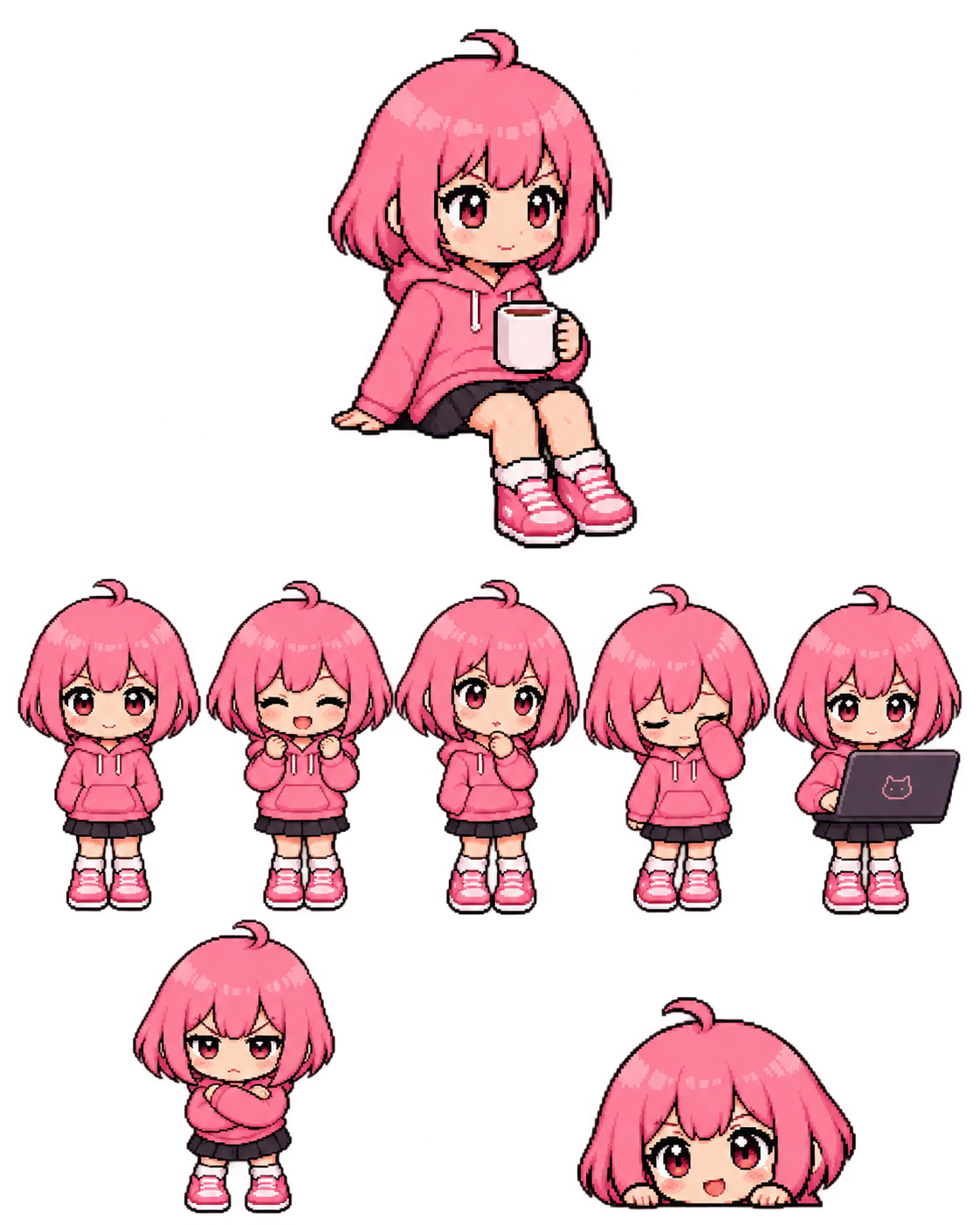
A Companion Has Moods
MIKO’s personality comes through in how she moves. Different desktop contexts switch her into different poses, reactions, and short lines instead of leaving the sprite as decoration.
These are only four examples. MIKO also has listening, idle, celebration, and standby states.
Local Context, Real Reactions
MIKO watches a small set of local signals: what app is in front, whether media is playing, what kind of browser context is active, and whether I’ve gone idle. Those signals are weighed against each other before she decides whether to react at all.
Lightweight + Local-First
How Context Becomes a Reaction
Observe → understand → filter → express
- 01 / Signals
Desktop signals
Foreground app • Media state • Browser context • Idle state
Code.exe + Spotify + active
- 02 / Synthesis
Build context
Combines those signals into a small local picture of what’s happening.
Coding + music → work stays primary
- 03 / Arbitration
Priority + cooldown
Decides which signal matters most and prevents MIKO from reacting too often.
Low priority + cooldown → stay quiet
- 04 / Output
MIKO reaction
Mood • Animation • Short response
Focused • subtle nod • “Keep going”
Coding + music
Coding takes priority while music remains background context.
Watching video
When video is the main activity, MIKO settles into a quieter watching state.
Idle / away
If I’m away for a while, MIKO settles into standby instead of trying to pull me back in.
All of this stays local. MIKO reads lightweight OS and browser signals, not keystrokes, clipboard contents, or the documents I’m working on.
Context Lab
Try the same desktop context under different reaction rules and see when MIKO responds, stays quiet, or changes posture.

The code editor has higher priority than background music, so the coding state wins.
Normal allows short peripheral reactions while respecting the current cooldown.
The lab shows the signals, priorities, cooldowns, and recent events behind each reaction, so I can see why MIKO chose a state instead of guessing.
Designed for Your Machine
127.0.0.1 Loopback
The WPF client and Python sidecar talk over 127.0.0.1. Preferences and memory stay local too, so core desktop behavior doesn’t need a remote service.
Strict Privacy Boundaries
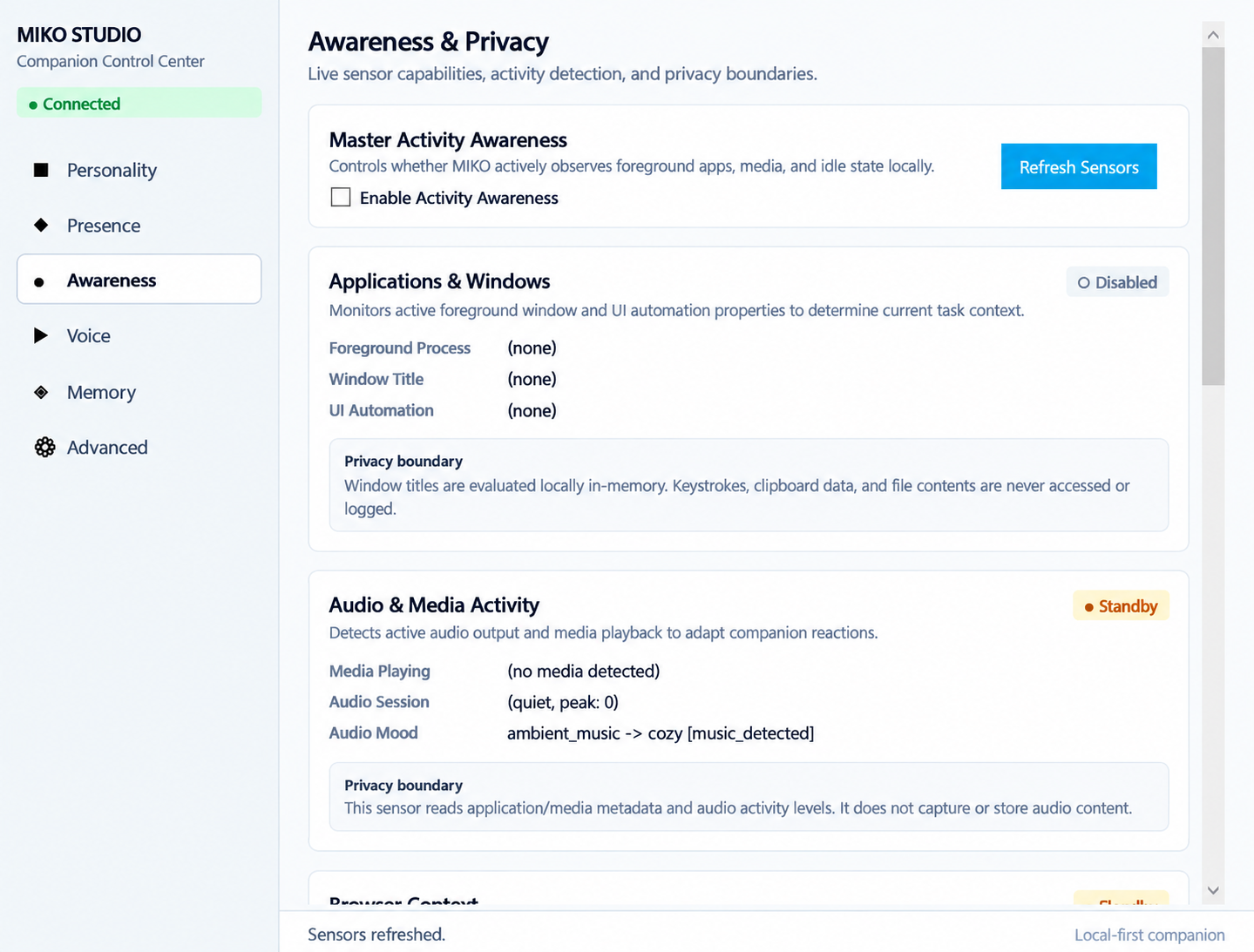
MIKO reads window titles and media metadata just long enough to understand the current context. She doesn’t read keystrokes, clipboard contents, or source files.
Optional AI Integrations
MIKO doesn’t depend on a hosted LLM. If I enable model-backed features, I choose the OpenAI-compatible endpoint, including local options such as LM Studio.
Persona Studio • Local runtime controls
Persona Studio exposes what MIKO can sense and remember, so those controls aren’t hidden behind the companion itself.
Where MIKO Is Today
MIKO is still experimental. The Windows 11 runtime works today, but packaging, multi-monitor behavior, interaction timing, and parts of the app/sidecar architecture are still being worked on.
What Works Today
- Windows desktop companion runtime
- Context awareness + reaction rules
- Custom mood animations
- Editable local memory + Persona Studio
- Quiet and Focus modes
- Local voice + optional user-configured model endpoint
Still Exploring
- Standalone packaging + easier installation
- Multi-monitor and high-DPI edge cases
- Simplifying the app / sidecar split
- Interaction timing, voice quality, and response tuning